01 What It Actually Means
Every file you store in Google Drive, Dropbox, or iCloud lives on hardware you don't own, under terms you didn't negotiate, accessible to a company whose interests aren't identical to yours. That's not a conspiracy theory — it's just the deal. The provider can scan your files for ad targeting (Google does), comply with a government request without telling you, or simply change their pricing model the month after you've uploaded everything you own.
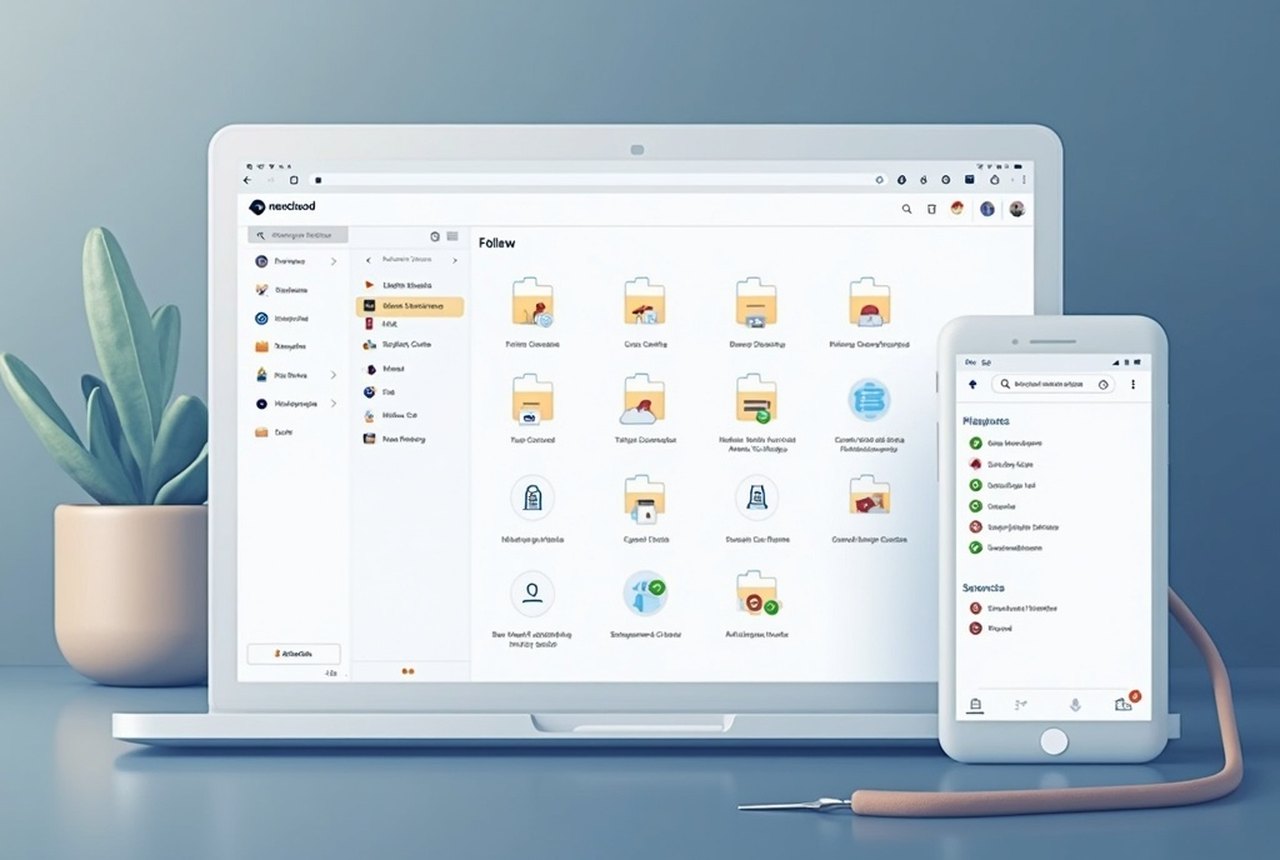
Nextcloud is the most mature answer to that deal. It's open-source software — free to download, free to run — that turns a machine you control into a personal cloud: file sync, sharing, a calendar, contacts, photo galleries, collaborative document editing, and more. The files live on your hardware, encrypted with your keys. Nextcloud the company (based in Stuttgart, Germany, founded in 2016 as a fork of ownCloud) doesn't host anything for you; it just writes and maintains the software. The result is a cloud that works like a cloud but answers only to you.
That's genuinely powerful. It's also genuinely work. The rest of this guide is about understanding that trade honestly.
02 The Three Ways to Run It
You have three realistic options for where to install Nextcloud, and they're meaningfully different.
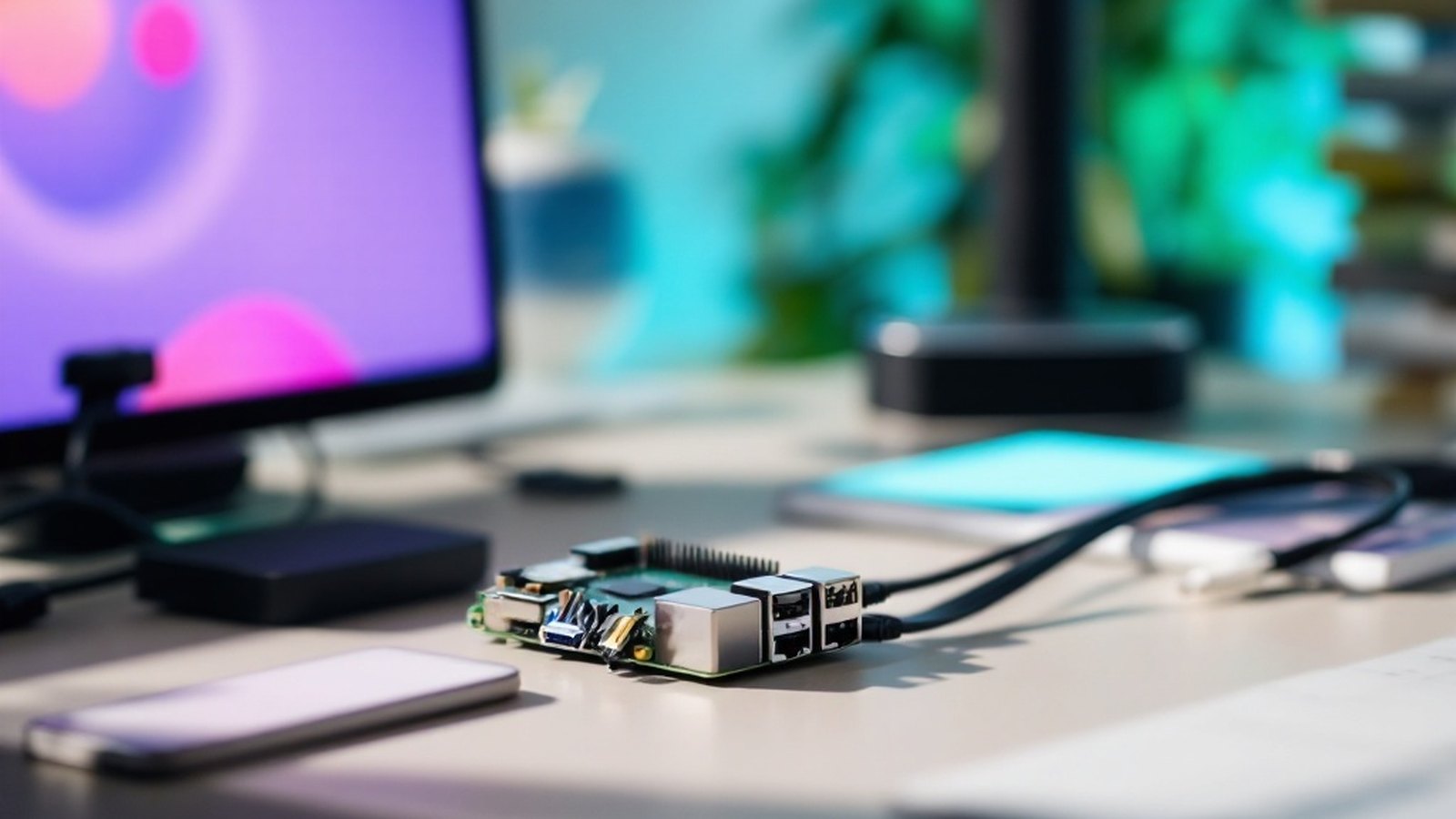
A spare PC or old laptop. If you have unused hardware sitting in a drawer, this is the cheapest entry point — the machine costs nothing, and you're only paying for electricity. A low-power device like an old Intel NUC or even a Raspberry Pi 4 can handle a small household's worth of files without breaking a sweat. The catch: the machine needs to be on whenever you want to access your files. If it's at home, you'll also need to either set up a VPN to reach it remotely, or expose it to the internet and manage that security yourself. Home internet connections also typically have asymmetric upload speeds, which matters when you're trying to pull a large video file from a café in another city.
A VPS — a virtual private server. This is a rented slice of server hardware in a data centre, costing anywhere from a few dollars to around fifteen or twenty a month depending on storage and RAM. Providers like Hetzner, DigitalOcean, and Linode are popular choices in the Nextcloud community; Hetzner in particular is well-regarded for European data-protection purposes. A VPS runs 24/7 without your home internet involved, so remote access is fast and reliable. The storage that comes with an entry-level VPS tends to be modest — enough for documents and smaller media, but you'll pay more for the terabytes that photos and video demand. You're also still renting hardware, which is philosophically closer to the cloud model than owning a NAS — though crucially, you hold the encryption keys.
A NAS — network-attached storage. Purpose-built NAS devices from Synology or QNAP are popular among home users who want purpose-built simplicity. These companies ship their own cloud-sync software (Synology's is called DSM, and it's genuinely polished), but Nextcloud can run on them too — either natively or inside a Docker container. A NAS lives on your home network, holds as much storage as you're willing to buy in drives, supports RAID so a single drive failure doesn't wipe your data, and draws very little power. It's the closest thing to "set it and forget it" in this space — though no NAS is truly fire-and-forget once you factor in updates and the same remote-access questions that apply to a home PC.
Each route has a natural audience. A hobbyist who already runs a home server or enjoys tinkering will probably love the VPS route. Someone with a house full of cameras and media who wants large local storage should look at a NAS. A curious person who wants to dip their feet in without spending money can start with a Raspberry Pi and a USB drive. There's no wrong answer, but be honest with yourself about which kind of person you are.
03 What You Actually Gain
Privacy that's structural, not promised. This is the big one. Zero-knowledge encryption means Nextcloud can't read your files, can't be compelled to hand them over to a third party without you knowing, and can't sell inferences about your behaviour to advertisers. With a commercial cloud provider, privacy is a policy — it can change. With self-hosting, privacy is architecture.
No per-gigabyte fees at scale. Cloud storage pricing is designed to feel cheap until you actually use it. When you're storing tens of thousands of RAW photos or a video archive, costs compound. On your own hardware, you pay once for the drives and that's roughly it. If you need more storage, you add a drive. The economics flip decisively in your favour once you pass a certain volume — roughly a few terabytes, depending on which commercial service you're comparing against.
Genuine control over features. Nextcloud's app ecosystem is vast: end-to-end encrypted folders, collaborative editing via Nextcloud Office (built on the Collabora Online engine), Talk for video calls, password managers, email clients, and dozens of community-built integrations. You choose what runs. You choose when to update. Nothing gets removed because it wasn't popular enough, and no feature gets paywalled.
Data sovereignty. If you're in the EU and want to be certain your data never crosses into US jurisdiction, you can ensure that by choosing where your server lives. A VPS on Hetzner in Falkenstein stays in Germany. That's not paranoia — it's a meaningful compliance consideration for journalists, lawyers, small businesses, and anyone covered by GDPR.
04 What You Take On
Here's the honest part. Self-hosting Nextcloud means you are the system administrator. That comes with real responsibilities that a paid cloud quietly handles on your behalf.
Updates. Nextcloud releases major versions regularly and security patches frequently. Staying up to date is not optional — an unpatched public-facing server is a genuine security risk. Nextcloud provides an updater that makes this less painful, but it's not invisible, and major version upgrades sometimes require attention.
Backups. This is critical and easy to get wrong. Syncing is not a backup. If you accidentally delete a folder and your sync propagates that deletion across your server, the file is gone. You need a real backup strategy — ideally following the 3-2-1 rule: three copies, two media types, one off-site. Your Nextcloud server is not your backup; it's one of your copies. Most people running Nextcloud pipe their server data to a separate object-storage bucket (Backblaze B2 is popular and cheap) using a tool like Rclone or BorgBackup.
Security. Exposing a server to the internet means it will be probed, constantly, by automated bots. Nextcloud is generally well-hardened, but you need to keep it updated, set up fail2ban or similar brute-force protection, use strong passwords and two-factor authentication, and ideally put it behind a reverse proxy like Caddy or nginx that handles HTTPS certificates. None of this is rocket science — but all of it takes an afternoon to set up and occasional attention thereafter.
Troubleshooting. When something breaks on Google Drive, Google fixes it. When something breaks on your Nextcloud, you fix it — or you post to the Nextcloud community forum (which is genuinely helpful) and wait. There will be something that breaks eventually.
Your files, your server, nobody else holding the keys.
05 When to Do It, When Not To
Self-hosting Nextcloud makes compelling sense if you're already comfortable on a command line, if your file volume has made commercial storage genuinely expensive, if you handle sensitive data professionally, or if you simply find the project interesting and educational. The skills you build — Linux basics, networking, backup automation — pay dividends across everything else you do with computers.
It makes less sense if you have no patience for maintenance, if your data is modest in volume, if you rely on seamless mobile apps without any friction, or if you share files heavily with people who'd be confused by anything other than a standard Google Drive link. Proton Drive and Mega both offer meaningful privacy and zero-knowledge encryption without self-hosting overhead — they're genuinely worth considering as a middle path.
The honest summary: Nextcloud is one of the best pieces of software available for this purpose, the community is excellent, and the privacy and economic case is real. But owning your files means owning your problems too. Go in with open eyes and it's deeply satisfying. Go in expecting a set-and-forget experience and you'll be frustrated by month two.
The files are yours. So is the responsibility. Most people who commit to it wouldn't trade it back.
How it developed
- 2016Nextcloud founded in Stuttgart, Germany, as a fork of ownCloud
- 2026current landscape: Nextcloud is the dominant self-hosted cloud platform
Named in this guide
Nextcloud
company
Stuttgart, Germany; develops the open-source Nextcloud platform
Hetzner
German data-centre and VPS provider, popular for EU-based self-hosting
DigitalOcean
US-based VPS provider widely used in the Nextcloud community
Backblaze B2
low-cost object storage, popular backup destination for self-hosters
Synology
Taiwanese NAS hardware maker; their DSM software is a polished alternative
QNAP
Taiwanese NAS hardware maker, another common Nextcloud-compatible device