When you share a file from Google Drive, Dropbox, or WeTransfer, the default is almost always the same: anyone with the link can open it. That sounds fine until you consider what "anyone" really means. Share links get forwarded without thinking, turn up in email threads, sit in browser histories, and occasionally get harvested by crawlers indexing unprotected cloud content. The link is the key — and right now you're probably handing it out with no expiry and no lock.
01 The two settings worth knowing
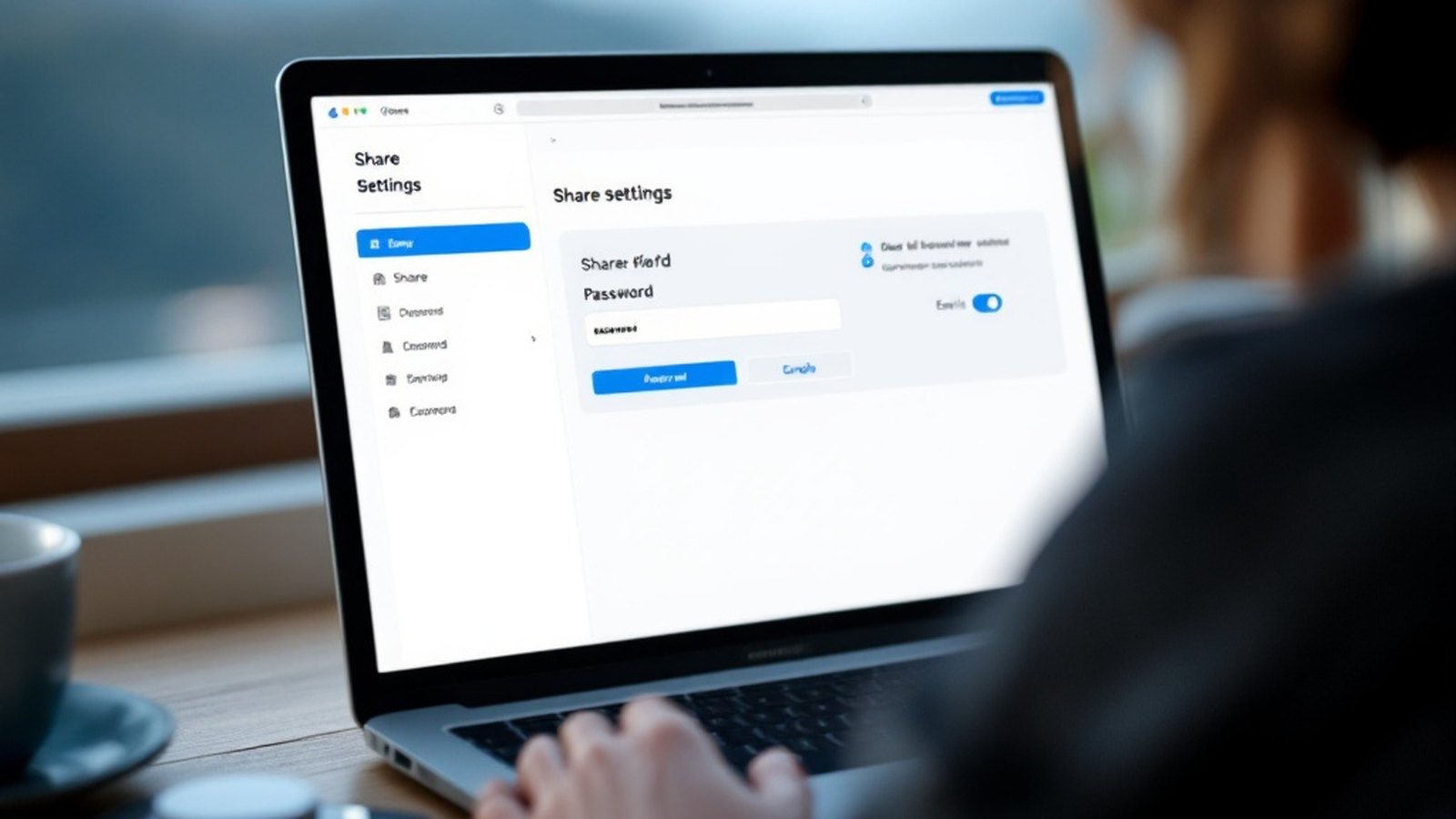
A password on the link means the URL alone isn't enough. Recipients need a second piece of information you share separately — ideally by a different channel, like a text message rather than the same email thread. Even a modest password stops casual snooping, accidental access, and anyone who gets forwarded the link without context. Dropbox, OneDrive, pCloud, and Proton Drive all offer link passwords on paid plans; Nextcloud offers them on free self-hosted installs. Google Drive still doesn't offer native link passwords as of 2026, which is a genuine gap.
Link expiry makes the URL stop working after a set date or — on some services — after a number of views or downloads. WeTransfer's free tier expires links after a few days automatically. Most cloud services let you set a custom expiry date if you dig into sharing settings. Use it for anything time-sensitive: a contract sent for signature, interview files for a journalist, a one-off delivery to a client. Once the job is done, the link should be dead. If you forget to set an expiry, you're relying on yourself to remember to revoke it later — and you won't.
02 When each matters most
Use a password whenever the file contains anything personal, financial, or confidential — or when you don't fully control where the link will end up. Use an expiry whenever access has a natural end-point, which is most of the time. Use both together for anything sensitive.
One more habit worth building: when you're done with a shared link, revoke it explicitly rather than hoping expiry does the job. Every service that generates share links also lets you disable them. It takes three seconds and closes the door completely.
The underlying idea is simple. A share link without a password or expiry is a file left in an unlocked room with the address written on the door. Two extra settings, thirty extra seconds — your files stay yours.