The upsell happens at the worst moment — you're setting up a new phone, you're distracted, and suddenly you're agreeing to pay for storage you'll never fill. Here's how to actually think about it.
A few gigabytes covers documents comfortably. A Word file, a PDF, a spreadsheet — these are tiny. You could store tens of thousands of typical office documents in a single gigabyte. If your cloud is basically a place for paperwork and notes, the free tier on almost any service (Google Drive, Dropbox, iCloud, OneDrive — all offer a couple of gigabytes or more at no cost) is likely enough.
Around 15–50 GB is where most people actually live. A modern smartphone photo — compressed HEIC or JPEG — runs roughly 3–5 MB. A year of shooting moderately (say, two or three thousand photos) lands somewhere between 6 and 15 GB. Add a few short video clips and you're nudging 20–30 GB. This is the bracket where a modest paid tier starts to make sense for phone backup, but it's also where it's worth pausing: do you need every photo in the cloud, or just the ones worth keeping?
100 GB–200 GB suits most families. Two people's phone libraries, a shared folder of documents, some music. You're unlikely to feel cramped here unless you shoot a lot of video.
1–2 TB is for heavy video. Uncompressed or lightly compressed footage — 4K video from a mirrorless camera, say — can run several gigabytes per minute. If you're editing video regularly or backing up raw files, you'll fill space fast. Most people are not doing this. A 2 TB plan marketed at a general audience is, for the majority of buyers, overkill dressed up as insurance.
01 Check before you buy
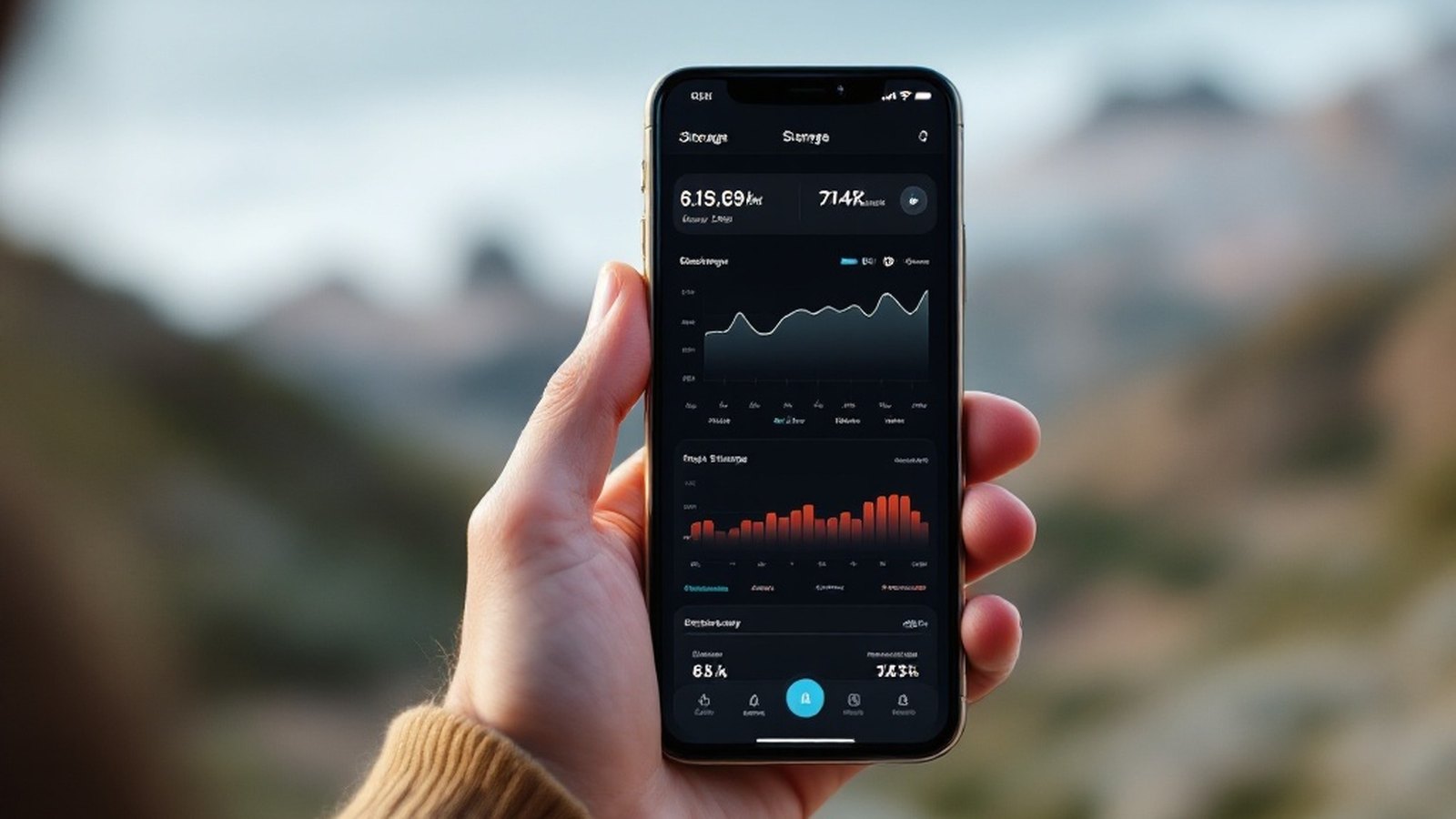
Before upgrading, look at what you're actually using. On iPhone, Settings → [your name] → iCloud shows your storage breakdown by category. On Android, check your Google One or Google Drive storage page. On a Mac or Windows PC, your cloud app's preferences will show current usage. Most people are surprised: the number is lower than they assumed, and a large chunk is often old backups of phones they no longer own — safe to delete.
The honest answer for someone who isn't a photographer or video editor: a free tier plus one step up — often 50–200 GB for a few dollars a month — covers almost everything. Buy for what you use, not for what you might theoretically accumulate.