You've probably heard the term. Here's what a NAS actually does, what it costs, and whether you need one.
01 What it is
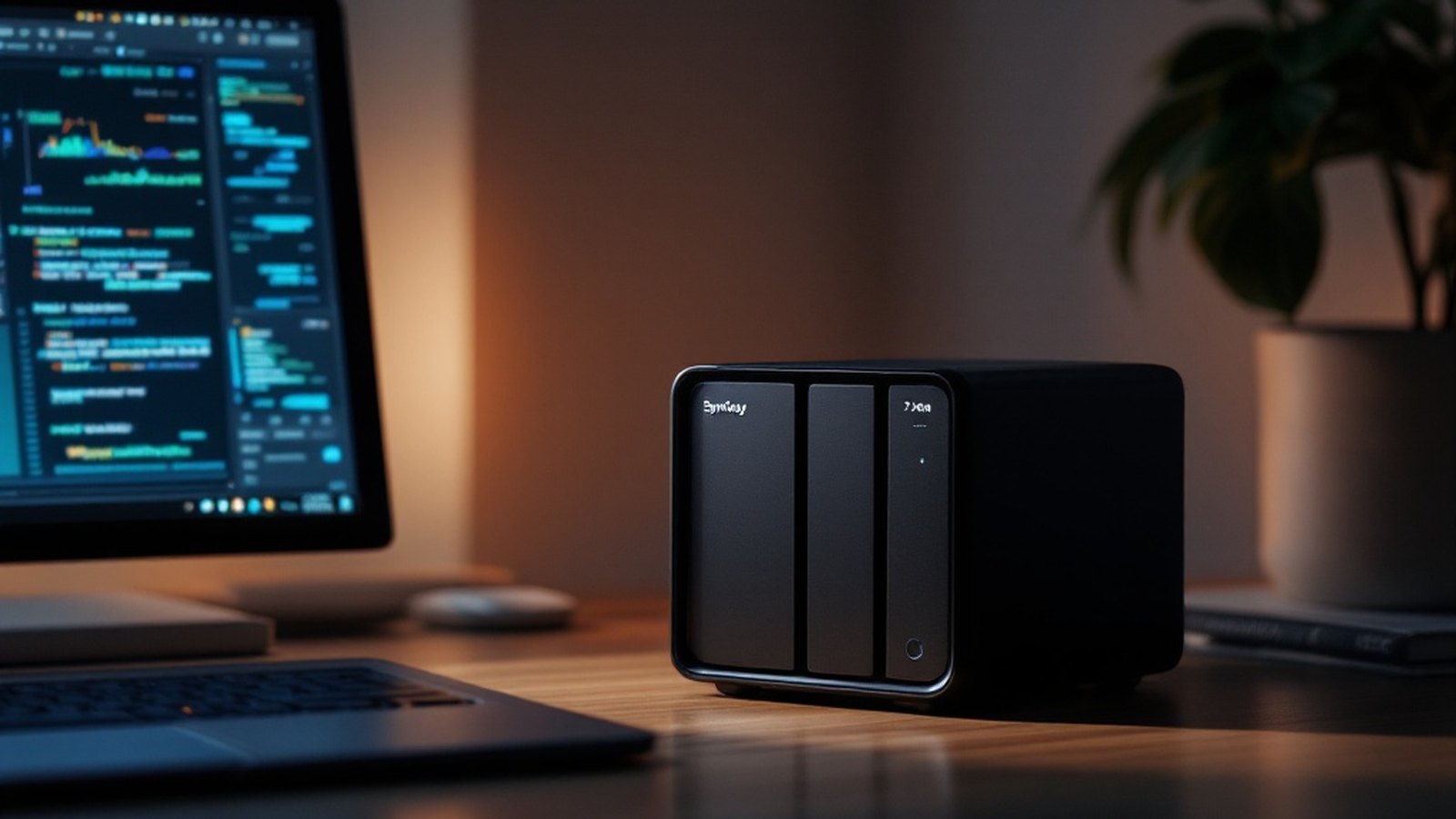
A NAS — network-attached storage — is a small, always-on box that sits on your home network and holds one or more hard drives. Think of it as a personal file server: every device in your house can reach it over Wi-Fi or ethernet, and it just keeps running quietly in a corner while you sleep.
The drives slot in like drawers. Most home NAS boxes take two to four of them. You buy the box and the drives separately — the box contains the processor, RAM and software; the drives are where your data lives. Power it on, connect it to your router, run the setup wizard, and within an hour you have terabytes of storage that belongs entirely to you.
The two brands you'll encounter most are Synology and QNAP. Both make polished software that runs on the box itself — accessible through a browser or a dedicated app — so you're not staring at a command line unless you want to be.
02 What a NAS is genuinely great at
Huge local storage, cheaply. Cloud storage gets expensive fast once you need multiple terabytes. Hard drives, bought in bulk and kept at home, are still far cheaper per gigabyte than any subscription. A two-drive NAS with several terabytes of usable space costs a few hundred dollars upfront, and then only a small monthly electricity cost.
A real backup target. A NAS makes an excellent destination for automatic backups from every computer and phone in the house. Synology's own backup software, for example, lets laptops push incremental snapshots to the NAS on a schedule — no cloud account required, no upload speed throttle, no file-size limit.
Streaming your own media. If you have a library of films, music or photos, a NAS can serve them to any TV, phone or tablet at home — and often remotely too. Plex and Jellyfin both run directly on a NAS, turning your drives into a personal streaming platform. Your files, your catalogue, no subscription.
Sharing inside the home. Everyone in the household can access the same folder. One shared drive for family photos that anyone can add to; a folder your partner can drop large files into without emailing them to you. It's the kind of seamless sharing that cloud services charge extra for and then limit.
03 What a NAS is not
Here's the part people get wrong: a NAS is not a backup on its own. If the box floods, burns, or gets stolen alongside your laptop, everything goes together.
Two drives configured in RAID — where data is mirrored across both — means a single drive failure won't lose your files. That's useful. But RAID is redundancy, not backup. It protects against hardware failure, not against the house burning down or ransomware encrypting everything on the network.
The 3-2-1 rule still applies: three copies of your data, on two kinds of media, with one copy off-site. A NAS handles the local copy beautifully. The off-site copy still needs to go somewhere else — a cloud service, a drive at a relative's house, or a second NAS at another location. Treat the NAS as the "2" in 3-2-1, not the whole answer.
04 The real cost and effort
Entry-level two-bay NAS boxes from Synology start around $150–200 without drives. Add two good-quality 4 TB NAS-rated hard drives (Seagate IronWolf or Western Digital Red are the standard choices) and you're looking at $300–400 all in. For a four-bay box with more drives, costs climb from there.
Basic setup takes about an hour, but configuring everything properly takes an afternoon the first time — running the wizard, formatting the drives, configuring user accounts and backup jobs. After that, maintenance is mostly leaving it alone. Occasionally you'll update the firmware or swap an aging drive. It is not zero effort, but it is not a weekend hobby either.
A NAS makes the most sense if you have large files to store, multiple devices to back up, or a media library you'd rather own than rent. If you're managing a few gigabytes of documents and photos, a cloud subscription is probably simpler. But once you're bumping against terabytes, the economics and the privacy case for owning your own storage get very hard to argue with.
Named in this guide
Synology
company
Taiwan-based maker of popular consumer and prosumer NAS hardware and software
QNAP
company
Taiwan-based NAS manufacturer, main Synology rival
Plex
service
media server software that runs on a NAS to stream personal libraries
Jellyfin
service
open-source, free alternative to Plex for self-hosted media streaming
Seagate IronWolf
product
NAS-rated hard drive line designed for always-on use
Western Digital Red
product
WD's competing line of NAS-rated hard drives