
Google Drive
Cloud
- Free tier
- ~15 GB (shared w/ Gmail)
- Max file
- very large
- Encryption
- Standard
- Price
- a few $/mo for more
Best for everyday sharing in the Google world
Visit Google Drive
Skip the "top-10 tools" rabbit hole. Answer a few quick questions and Folder. gives you one clear method, why it's right, and exactly how to do it — from a plain Drive link to your own server.
The whole guide is organised around the real questions behind moving a file — not a menu of tools. Start where your problem is.
Past the 25 MB email wall, whatever the size, without the hassle.
4 guidesThe big cloud services compared honestly — free tiers, real limits, the trade-offs.
4 guidesThe same files on every device — and a copy that survives a lost laptop.
4 guidesEnd-to-end encryption, zero-knowledge storage, links that expire.
4 guidesTaking storage back from Big Cloud — self-hosting, a home NAS, and why you'd bother.
2 guidesAnswer five quick questions and get one clear, honest recommendation.
Open the toolThe pages most people land on first — the flagship how-tos and the honest comparisons.

Every practical method ranked by hassle — from a shared Drive link to your own server. The page people should land on.

Which service actually deserves your files — and your money. Free tiers, price bands, encryption models.
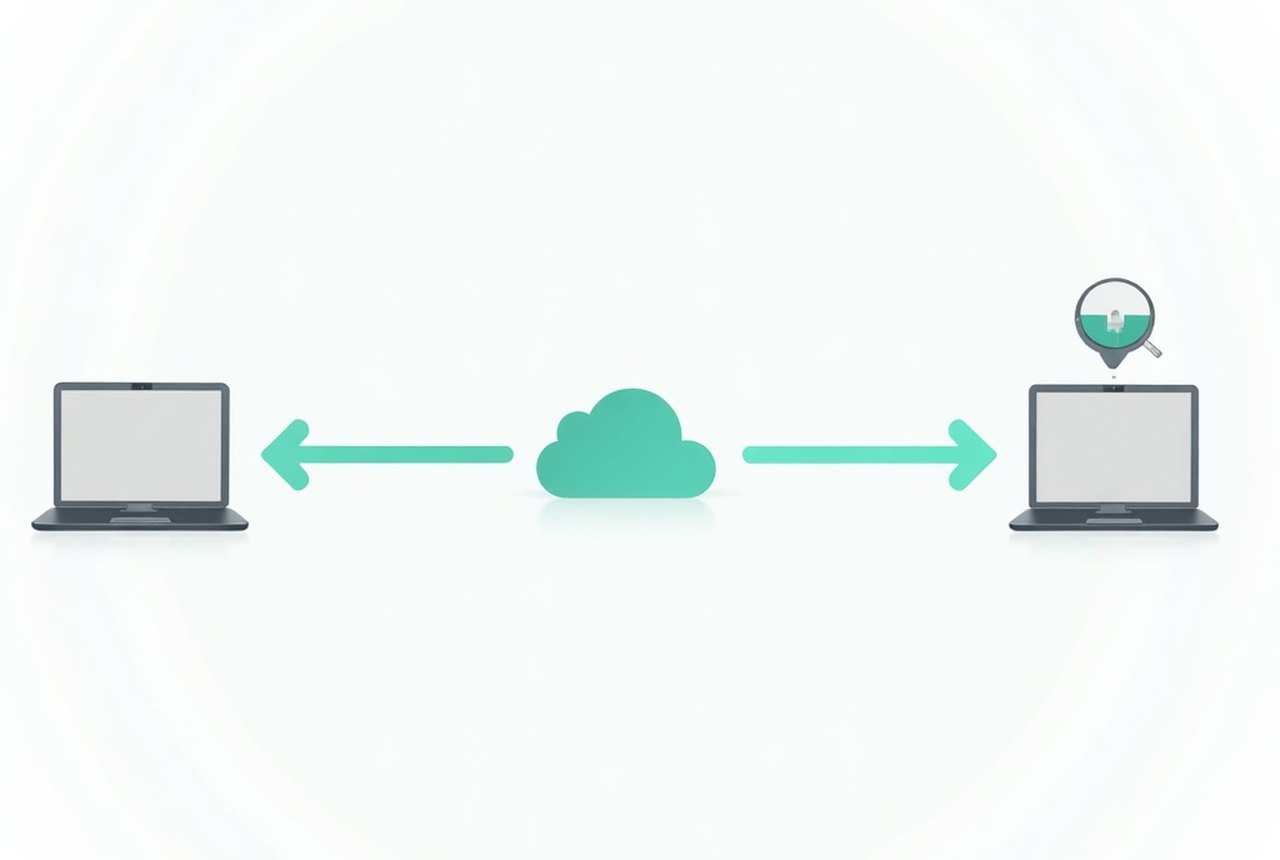
Three copies, two media, one off-site — translated into a real do-it-this-weekend plan.

Only you and your recipient can read it — not the service in between. What E2E is, and what it can't protect.

Your files, your server, nobody else's keys — an honest walk-through of what you gain and what you take on.

When a no-account, self-expiring transfer link beats a cloud folder — and how expiry works.

The two settings that make a link safe — and that most people never touch. When to use each.
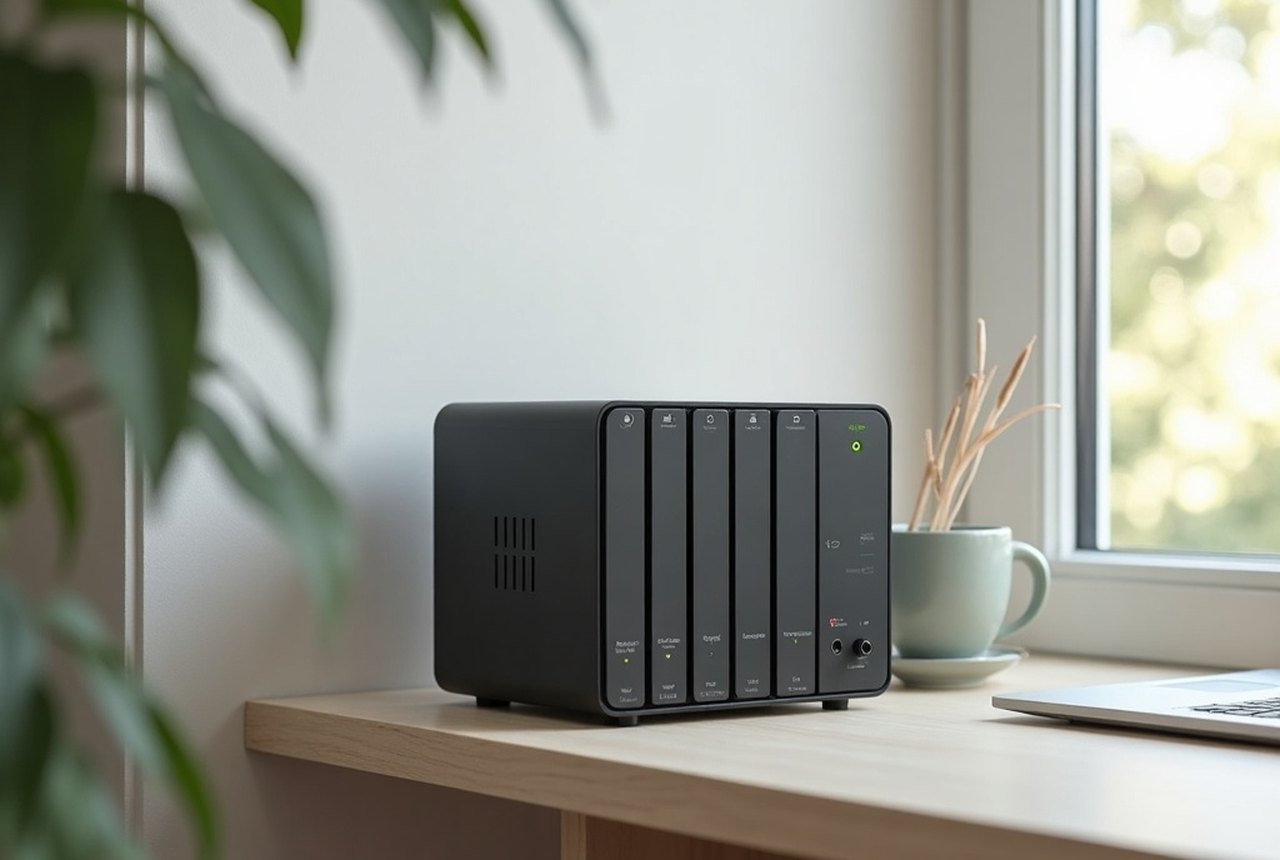
A small always-on box of drives on your network — what it's great at, and what it isn't.
Every service with its real facts — free tier, max size, encryption model, price band. Filter it, or flip to the dense table. Full write-up in Cloud Storage Compared.










| Service | Type | Free tier | Max file | Encryption | Price band | Best for |
|---|---|---|---|---|---|---|
| Google Drive |
Cloud | ~15 GB (shared w/ Gmail) | very large | Standard | a few $/mo for more | everyday sharing in the Google world |
| Dropbox |
Cloud | ~2 GB | very large | Standard | ~$10/mo tiers | reliable sync + sharing |
| iCloud Drive |
Cloud | 5 GB | large | Standard | cheap tiers | Apple devices |
| OneDrive |
Cloud | 5 GB | large | Standard | bundled with Microsoft 365 | Windows + Office users |
| Proton Drive |
Cloud | a few GB | large | End-to-end | privacy-plan pricing | privacy-first storage & sharing |
| MEGA |
Cloud | ~20 GB | very large | End-to-end | mid tiers | big free tier + encryption |
| pCloud |
Cloud | ~10 GB | very large | Standard | lifetime plans | one-time-purchase storage |
| Sync.com |
Cloud | ~5 GB | large | End-to-end | mid tiers | zero-knowledge Dropbox alternative |
| WeTransfer |
Transfer | up to 2 GB / transfer | 2 GB free (more paid) | Standard | Pro for big + storage | one-off big sends, no account |
| Tresorit Send |
Transfer | up to ~5 GB | large | End-to-end | part of Tresorit | encrypted one-off transfers |
| Nextcloud |
Self-host | your hardware | your disk | Standard | free software | owning your storage |
Figures are the published free-tier and plan shapes as they generally stand; where a number tends to drift we keep it qualitative. We list the services a file guide has to name — none of them bought their spot here.
Every cloud is a landlord relationship — their terms, their prices, their continued existence. If you'd rather hold the keys, it's more approachable than it sounds.
Services and infrastructure our readers move their data through.
 BLACKED delivers the kind of massive uploads no cloud storage could ever compress.
 Noir Male shoots in stunning quality that'll make you rethink your current video storage plan.
 DFXtra finally upgraded its infrastructure, because mixing the best sources always delivers something special.
 Abuse Me puts your bandwidth through the kind of punishment most cloud services simply can't handle.
 Girlfriends Films has spent 20 years proving that seamless collaboration between two parties is pure art.
 Family Sinners keeps your digital clutter moving when Big Cloud would rather you just paid rent.
 Brazzers Exxtra keeps dropping fresh content faster than your cloud sync can keep up.
 Idle Fantasies gets it — sometimes you just have to peek at someone else's storage setup.
 Fun Size Boys sponsors this guide to hauling massive files without renting space from someone else's giant server.
 Model Time proves the best transfers need zero scripts — just raw, unfiltered speed.
 Daddy's Lil Angel knows that hauling massive files across devices shouldn't cost you a cloud subscription every breath.