The 3-2-1 rule isn't complicated: keep three copies of anything you can't afford to lose, on two different kinds of media, with one copy off-site. That's the whole idea. Photographer and author Peter Krogh popularised the phrase in the mid-2000s writing about digital photography archiving, and it has aged remarkably well — because the failure modes it protects against (drive death, theft, fire, accidental deletion) haven't changed.
What changes is how cheap and easy it has become to actually do it.
01 What the rule means in plain English
Start with the original file — the document, the photo library, the project folder sitting on your laptop. That's copy one. It's not a backup; it's just your working file.
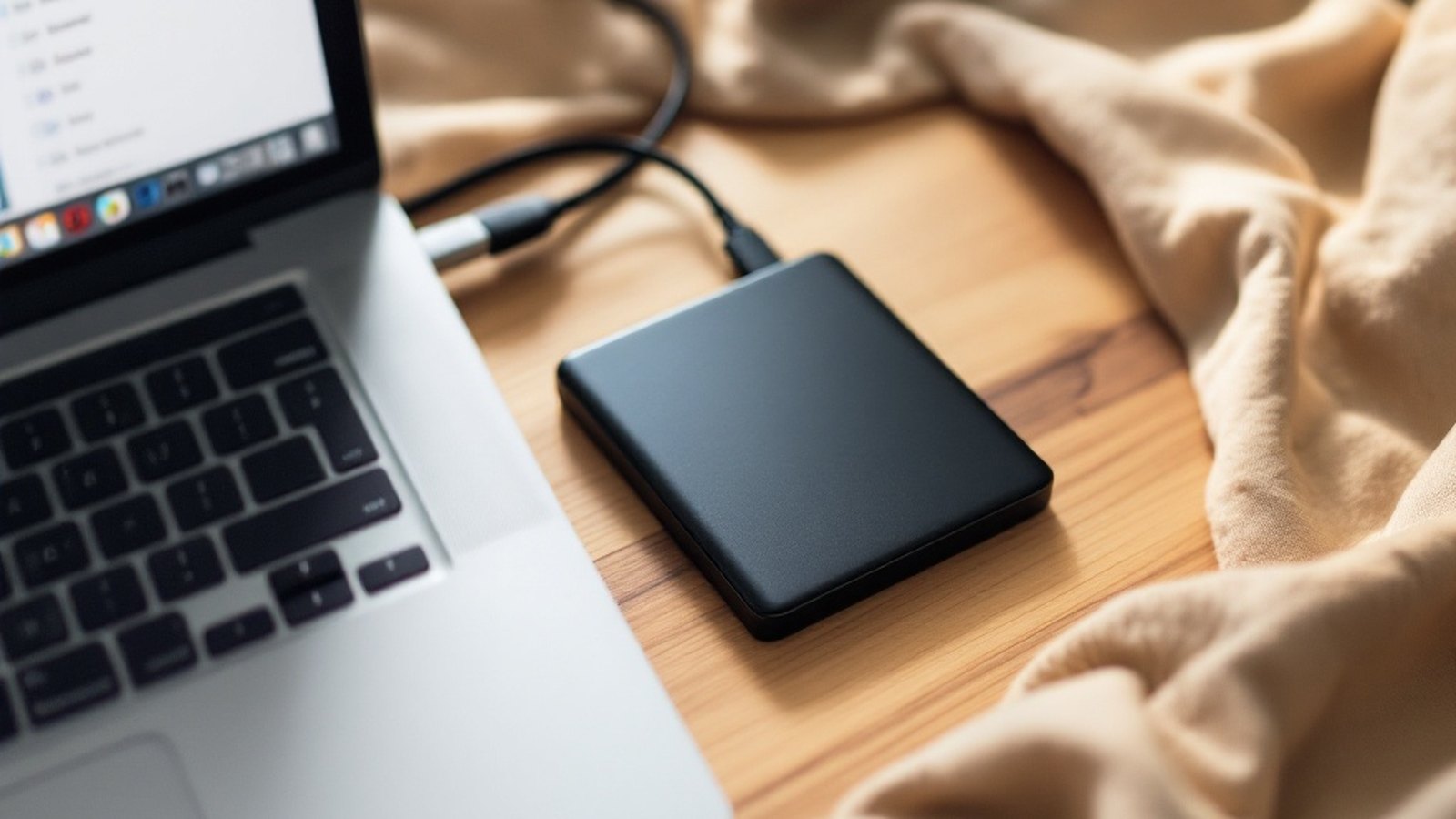
Copy two is a local backup: an external hard drive plugged into or sitting near your machine. This protects you from the most common disaster — your laptop dying or a folder getting accidentally deleted. A 2 TB external drive costs less than a decent lunch these days, and tools like Time Machine on macOS or File History on Windows will write to it automatically once you plug it in. Set it up once; let it run.
Copy three is your off-site copy. "Off-site" sounds corporate and serious, but for most people it just means cloud backup — a service that continuously uploads your files to someone else's server in a different building, a different city, or a different country. If your home floods or gets burgled, your off-site copy survives untouched. Services built specifically for backup (Backblaze is a well-known example) handle this cleanly: install the app, let it run in the background, pay a flat monthly fee for unlimited or near-unlimited storage. Cloud storage services like iCloud, Google Drive, or Dropbox can serve a similar purpose if you make sure files are actually being uploaded rather than just synced selectively.
That distinction matters. Sync is not a backup. If you delete a file from a synced folder, the deletion propagates to the cloud within seconds. Most services offer a version history or a recovery window — typically 30 days on free tiers, longer on paid plans — but that's a safety net, not a backup strategy. A dedicated backup service keeps a genuine historical copy even if you nuke the source.
02 The two-media part — and why it matters
The "two kinds of media" requirement sounds pedantic until you remember that some failures are systemic. If your laptop and its backup both live on spinning hard drives and you're in a region hit by extreme heat, both can fail together. Using a mix — say, a solid-state drive internally and a spinning external drive, plus cloud — reduces the chance that one environmental or mechanical event takes out multiple copies at once. It also guards against a manufacturing defect that affects a particular drive model across the board.
In practice, most people's setup naturally satisfies this requirement: your laptop's internal storage, an external drive, and a cloud service are already three distinct media types.
The only genuinely bad backup strategy is the one you keep meaning to set up.
03 A realistic weekend plan
Friday evening. Buy or dig out an external drive — 1 TB is probably enough; 2 TB gives you room to breathe. Plug it in, enable Time Machine or File History, let the first backup run overnight.
Saturday morning. Sign up for a dedicated cloud backup service or confirm that your existing cloud storage is actually syncing your important folders (Documents, Desktop, Photos). Check the settings. Make sure it's not set to "this device only" or excluding large files.
Saturday afternoon. Test it. Restore a single file from your external drive. Confirm you can log into your cloud backup account and see recent files. A backup you've never tested is a backup you don't trust.
That's it. Three copies, two media types, one off-site — and you've spent a couple of hours rather than an entire weekend.
The 3-2-1 rule doesn't require paranoia or a server rack in your basement. It requires a drive, an account, and an afternoon. The only genuinely bad backup strategy is the one you keep meaning to set up.
How it developed
- mid-2000sPeter Krogh popularises the "3-2-1" phrase in digital photography archiving
Named in this guide
Peter Krogh
photographer/author
credited with popularising the 3-2-1 terminology
Backblaze
company
well-known flat-rate cloud backup service
Time Machine
Apple feature
macOS built-in backup tool to external drives
File History
Microsoft feature
Windows built-in backup tool to external drives